A good website for a bakery answers four questions on the first screen. What's in the cabinet today. When you're open. How to order. Where you are.
That's most of it. Pre-orders for cakes and boxes can run through a simple form or booking tool. You don't need a full online shop to take orders for pickup.
A free builder is fine for a home bakery testing the water. Once orders are a real part of your week, a designed site pays its way.
What customers check first
People rarely browse a bakery website. They come with a job to do.
- Today's menu. What's baked today, and roughly what it costs.
- Hours. Are you open now? On Sunday?
- How to order. Can I pre-order a cake? By when? How do I pay?
- Where you are. Address, a map, parking or the nearest stop.
Put all four on the home page. Not in a menu called "Info".
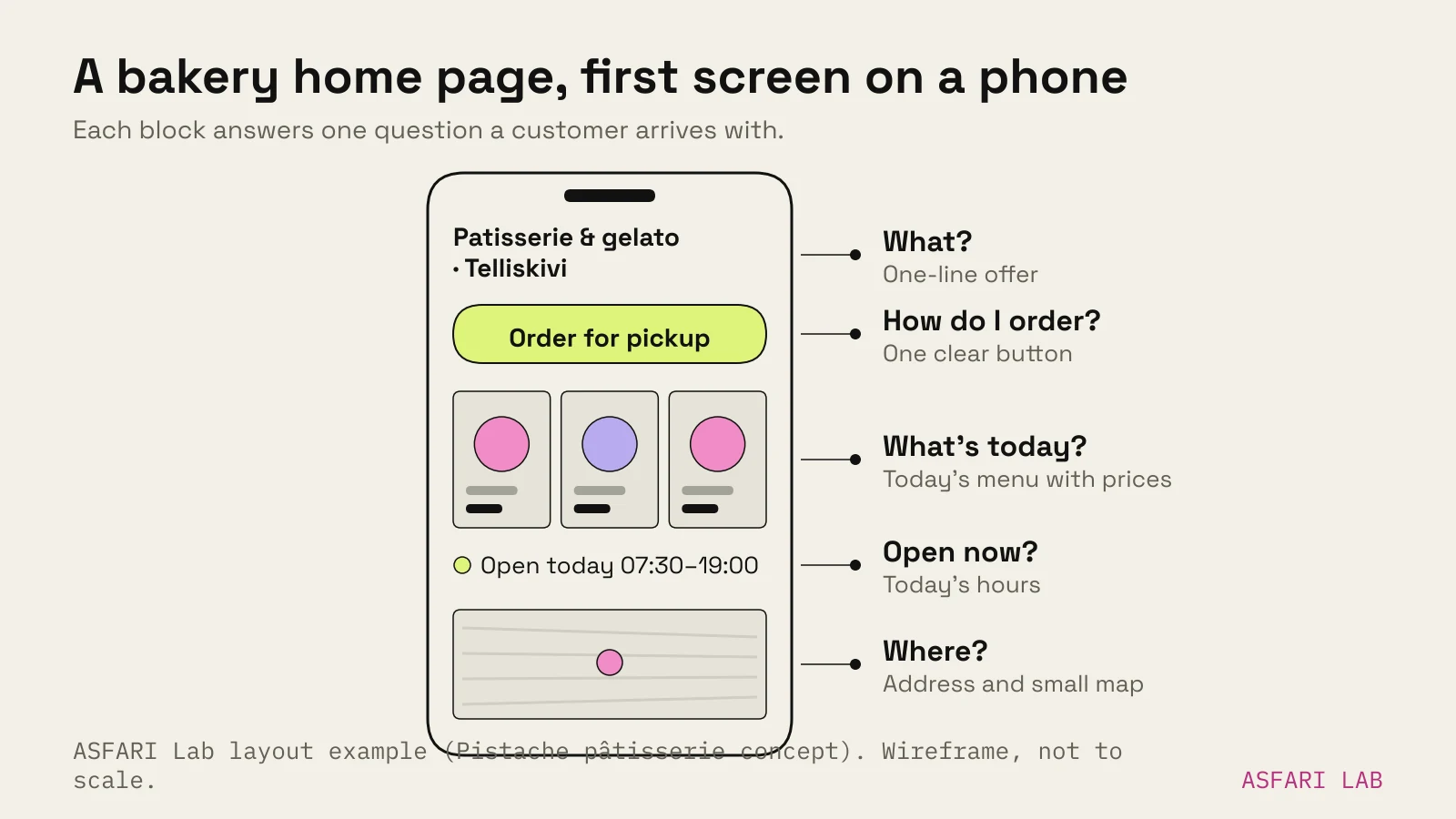
Most of them arrive on a phone. StatCounter puts mobile at 55.41% of web traffic in Europe in September 2026, and for someone standing on the street deciding where to get coffee, it's probably most of it. Design for the phone first.
Many arrive straight from Google reviews. BrightLocal's 2026 survey of US consumers found 54% visit a business's website after reading positive reviews. Up from 32% in 2019. Your website is where the review turns into a visit.
What a bakery website needs
| Section | What goes in | Why |
|---|---|---|
| First screen | One-line offer, one "Order for pickup" button | People decide in seconds |
| Today's menu | Real photos, names, prices, as HTML text | Readable on phones, findable on Google |
| Pre-orders | Cakes, boxes, lead time, how to pay | Your highest-value orders |
| Visit | Address, map, hours, holidays | The question everyone asks |
| About | Who bakes, when, with what | Small bakeries sell on people |
| Footer | Business details, privacy, Instagram | Legal basics and trust |
Write the menu as text, not a PDF
A PDF menu is a file to download, zoom and pinch. Nielsen Norman Group advises against PDFs for on-screen reading: they're built for paper and hard to scan on screens. A text menu loads fast, reads on any phone and can show up in search.
Show real photos
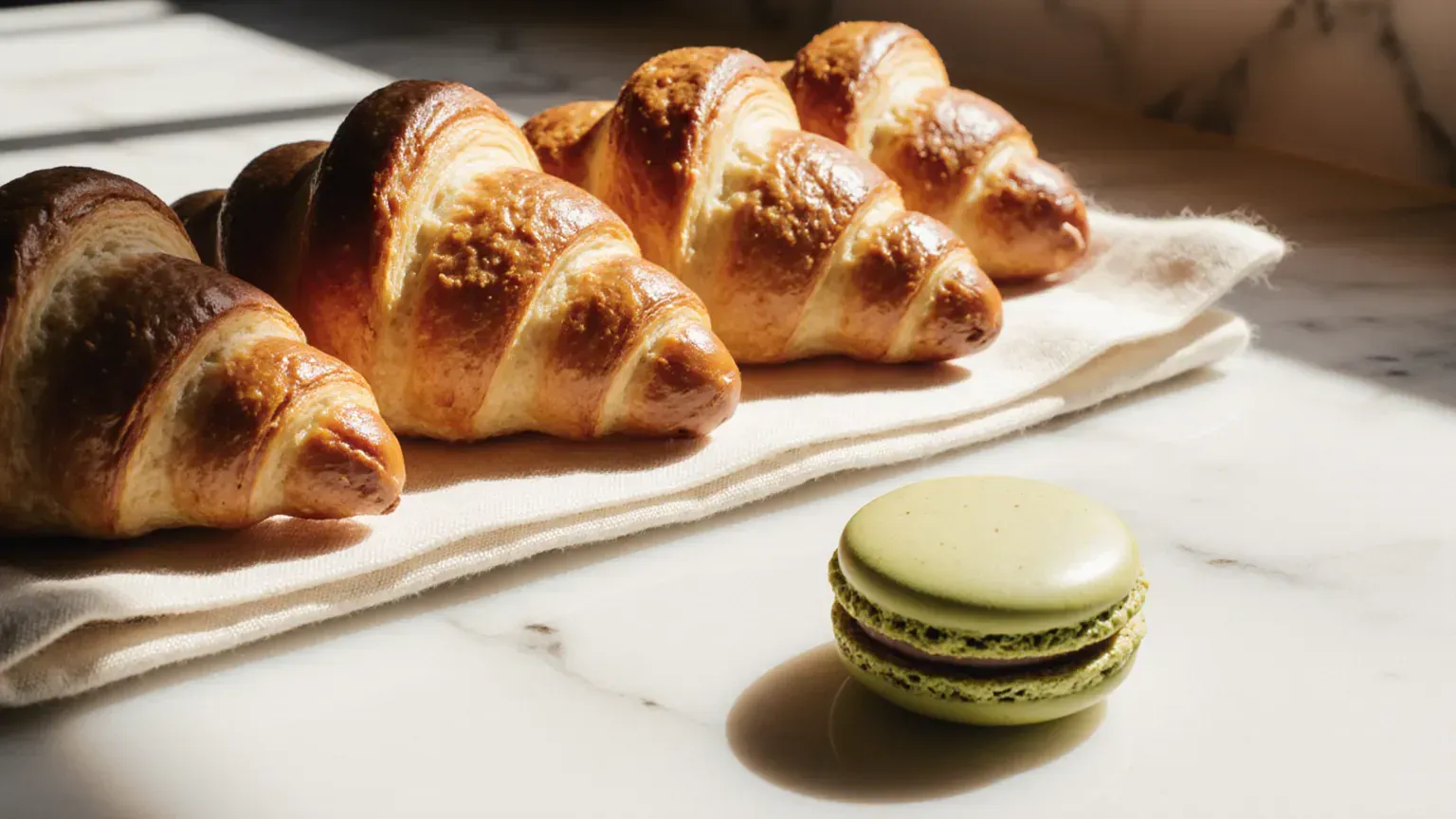
Your croissants, your counter, your shop front. A real photo of a real cardamom bun sells better than a perfect stock image of a generic one.
Keep hours honest
Update them for holidays. Match them to your Google Business Profile. A customer who walks over to a closed door doesn't come back to check again.
How to take pre-orders without a full shop
Most bakeries don't need an online shop. They need a reliable way to take cake and box orders with enough notice.
Three ways to do it, from simplest:
- An order form. Item, date, pickup time, name, phone. You confirm by email and take payment at pickup. Fine for a few orders a week.
- A booking tool with pickup slots. Customers choose a time slot. You stop overbooking the morning rush. Good for busy weekends and holidays.
- Pay-ahead ordering. Customers pay when they order. Fewer no-shows. Worth it once orders are a meaningful share of revenue.
Whichever you choose, state the lead time clearly. "Cakes need 48 hours' notice" saves you a lot of phone calls.
Add the same order link to your Google Business Profile. Google lets food businesses add their own ordering link, so customers can order from the profile itself.
Proof: Pistache, made in the lab
Pistache is a pâtisserie and gelato website we made in the lab, set in Telliskivi, Tallinn. It puts every point above on one page.
- A clear one-line offer. The headline is short, and the line under it says patisserie and gelato, Telliskivi.
- Phone-first. The menu is a swipeable gallery of 12 items with prices, built for thumbs.
- One button. "Order for pickup" sits in the header and again near the bottom.
- The practical bits on the same page. Address, weekday and weekend hours, and a note that cakes and boxes can be pre-ordered 48 hours ahead.
We also made a neighbourhood bakery website in the lab, built on the same principles: menu, hours and ordering first.
When a free website for a bakery is fine
A free builder is a sensible start for a home bakery. Testing demand. A few orders a week. Mostly selling through Instagram and word of mouth.
Know the limits before you start. Wix's own guide to its free plan lists a wixsite.com address you can't customise, Wix branding on your site, and no way to take payments. For a hobby, fine. For a business that wants pre-paid orders, you'll outgrow it. That's the point where a designed website earns its cost.
| Free builder | Paid builder | Designed site | |
|---|---|---|---|
| Cost | €0 | Monthly plan | From €900 one-off (ours, excl. VAT) |
| Own domain | No | Yes | Yes |
| Take payments | No (Wix free plan) | On higher plans | Yes, via your chosen tool |
| Time from you | High | High | Low |
| Best for | Home bakery, testing | Small café, DIY-minded | Bakery where orders matter |
If you're mainly on Instagram and wondering whether you need a site at all, read website vs Instagram.
Website design for a café
A café website is the same idea with a different emphasis.
- The first screen is about being open now. Hours, location, what kind of place it is.
- Show the space. People choose cafés for laptops, for prams, for quiet. Photograph the room.
- Say what matters. Wi-fi, power sockets, oat milk, dogs welcome. Small facts that decide a visit.
- Keep the menu short and current. Drinks, food, prices. As text.
If you also serve lunch or dinner and take bookings, the rules shift towards a restaurant site. See restaurant website: menu, booking and online orders.